
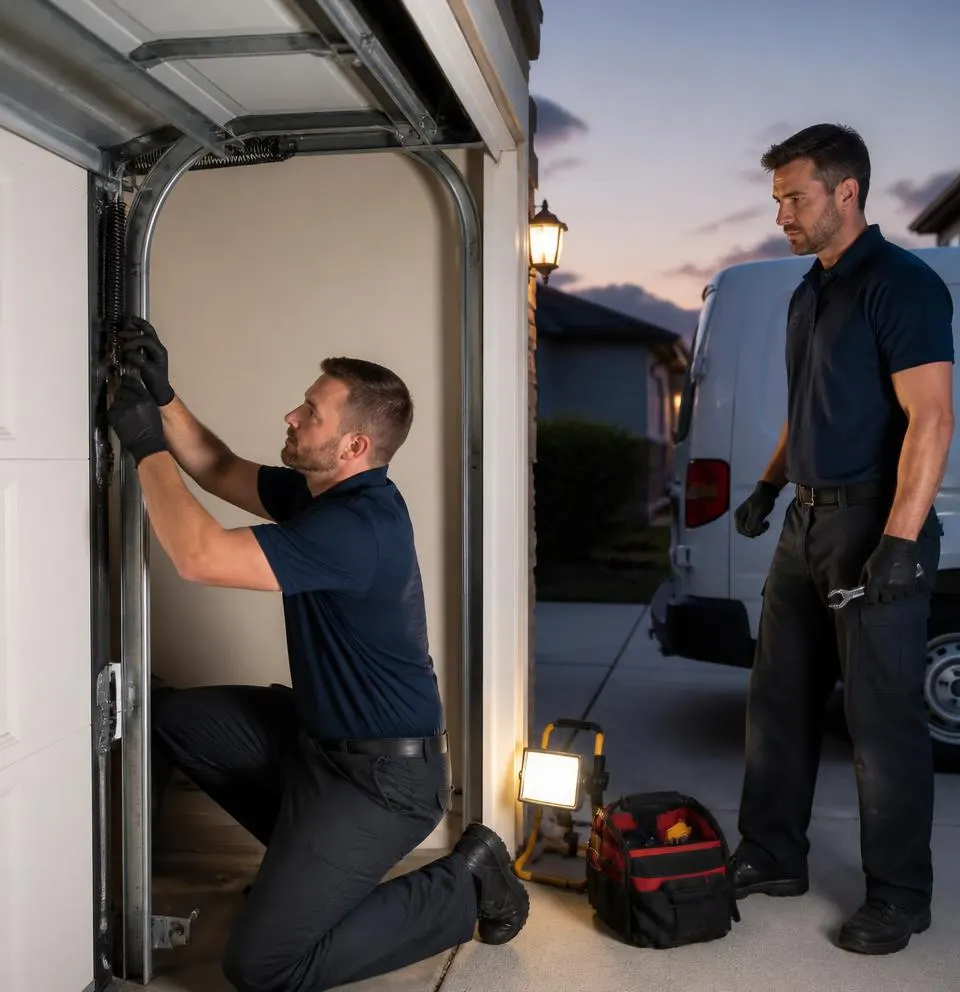
What We See on a Typical Service Call
A lot of calls about remotes and keypads start the same way: someone just bought a house around Pleasant Garden or Greensboro and found a drawer full of old garage door remotes left by the previous owner. They have no idea who else might still have access. Other calls come in after a remote gets left in a car that's broken into, or after a summer of heavy humidity leaves the outdoor keypad buttons sticky and unresponsive. Pine pollen and moisture work their way under worn keypad covers every spring, and corrosion on the contacts is one of the most common reasons a keypad "just stops working." The good news is that reprogramming codes is one of the few garage door jobs most homeowners can do themselves, as long as the opener's electronics are healthy.
Tools You'll Need
- A stepladder tall enough to reach the motor unit on the ceiling
- A flashlight
- Your opener's brand and model number (usually on a label on the motor housing)
- Any remotes or keypads you still have, plus a fresh battery for the keypad (check if it takes a 9V or AAA, depending on brand)
- A soft, dry cloth for cleaning keypad contacts
- Your owner's manual, or the manual's PDF found online using the model number
Step-by-Step: Clearing Old Codes and Reprogramming
- Find the learn button. It's a small button on the back or side of the motor unit, near the antenna wire, usually colored purple, orange, green, or yellow depending on the brand.
- Clear everything first if a remote is lost or stolen. Press and hold the learn button for 6–10 seconds until the indicator light blinks or you hear a click. This wipes every paired remote and keypad code at once, so no old remote will work afterward, including ones you don't have in hand anymore.
- Reprogram your keypad with a new PIN. Enter a new 4-digit code of your choosing on the keypad, then press enter. Go press the learn button on the opener, then return to the keypad and enter the new code again within about 30 seconds. A light or click confirms it paired.
- Reprogram each remote you still have. Press the learn button on the opener, then press the button on the remote within 30 seconds. The opener's light should blink to confirm the pairing.
- Reprogram any vehicle-integrated buttons (like HomeLink) by following your vehicle's manual, which usually involves holding two buttons on the console simultaneously while pressing the opener's learn button.
- Test everything. Try each remote and the keypad from the driveway, then test again the next morning to confirm the codes held overnight.
- Replace the keypad battery and reseal the rubber cover. Humidity swelling and corroded contacts are a common cause of a keypad that works intermittently; a fresh battery and a tight cover go a long way toward preventing it.
What a Homeowner Can Handle
Clearing and reprogramming codes, swapping a keypad battery, and cleaning the keypad face are all reasonable DIY tasks. Most of this takes less than 15 minutes once you know where the learn button is.
When It Needs a Technician
Call for help if the learn button doesn't respond at all, which often points to a logic board that took a hit from a power surge or lightning strike during storm season. The same goes for a wired keypad (rather than wireless), since that involves checking low-voltage wiring instead of just radio pairing. If a remote still won't pair after several attempts, the opener's receiver itself may be failing. And if the door won't close properly after reprogramming, don't force it—that's usually a sign the safety sensors got bumped or misaligned, which is a separate issue from the remote codes entirely.
When to Call Pleasant Garden Garage Door
If your learn button is unresponsive, your opener is old enough that the model number has worn off the label, or you're dealing with a dead receiver after a lightning storm, it's time to call us. Our Garage Door Opener Repair & Installation service covers everything from reprogramming stubborn units to replacing a logic board that's beyond saving. If the problem comes up after hours, or the door is stuck open or closed and you need it resolved fast, our Emergency Garage Door Service covers Pleasant Garden, Greensboro, Burlington, and the surrounding area.
If your remotes, keypad, or opener are giving you trouble, call Pleasant Garden Garage Door today and we'll get it sorted out right.